
afk keyboard/mouse
afk keyboard/mouse is a Fabric mod for Minecraft that adds a client input-lock toggle.
Downloads
2
Remixes
0
Price
Free
fabric · Client · 1.21.1 · mod
afk keyboard/mouse adds a simple input lock for client play. Hold any movement key or mouse button, press F3 (configurable keybind under “AFK Keyboard/Mouse”), and the mod keeps those inputs held so you can auto-run, auto-attack, or keep farming while hands-off. Press the lock key again to release everything; the mod shows action bar messages when locking or unlocking.
- Locks every currently held vanilla keybinding (including attack/use) when toggled, so both keyboard and mouse inputs persist.
- Sends a short action bar notice for feedback (e.g., nothing to lock, locked count, unlocked).
- Defaults to F3 for quick access but can be rebound in Controls if you want to avoid the debug overlay.
Known notes/limits:
- Only inputs held at the moment you toggle are kept; press the lock key again to refresh or clear.
- Using F3 as the default can still trigger vanilla debug behavior; rebind if that is disruptive.
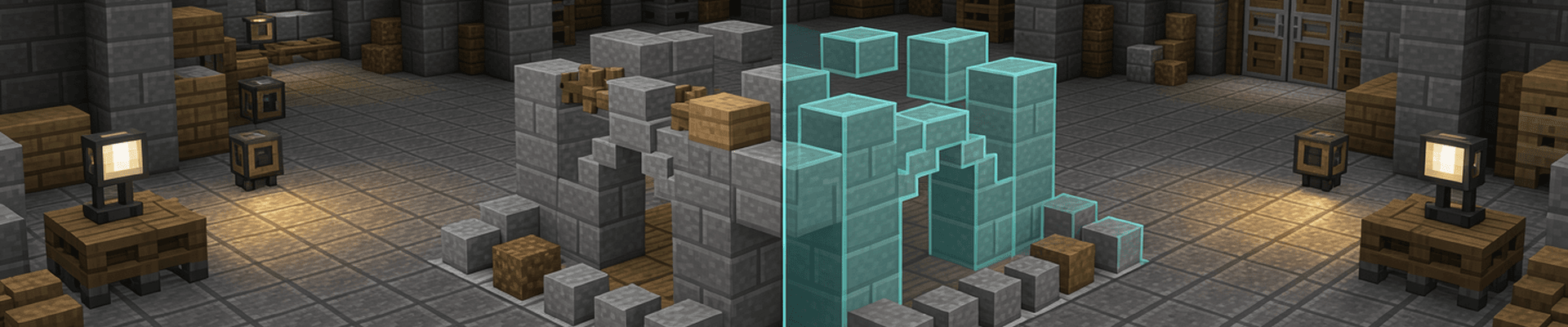

Effortless WorldBuilding Remix
make the supported environment to both server and client. add the option to see dimensions in numbers. for eg while placing a line of 5 blocks the review...
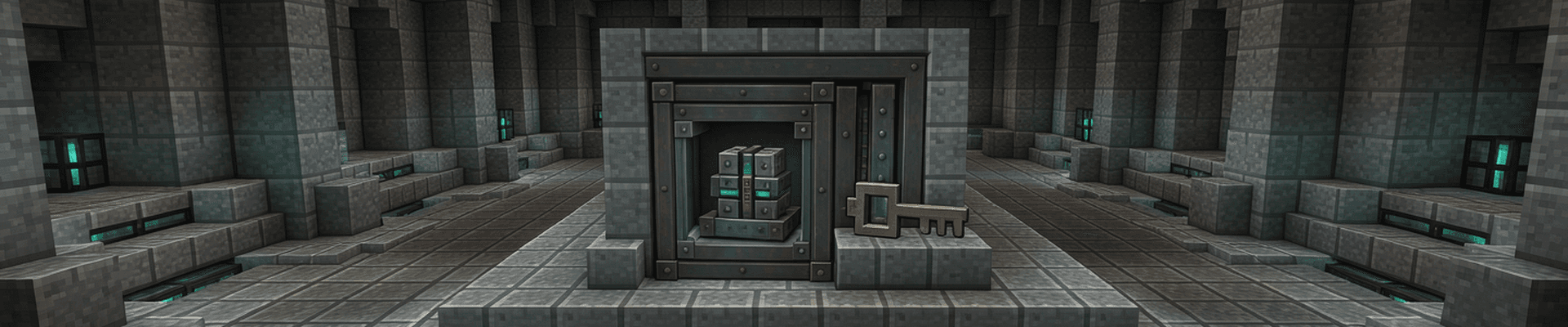

vault opener heavy core
a mod that opens a omnious vault when a specific item gets displayed inside the omnious vault, when the mod is activated through a keybind H it opens the...


Auto Mace
by calm_vole#6043
Equip a mace from anywhere in your inventory with one key. Cycle between hotbar maces or safely pull a stored mace into reach.
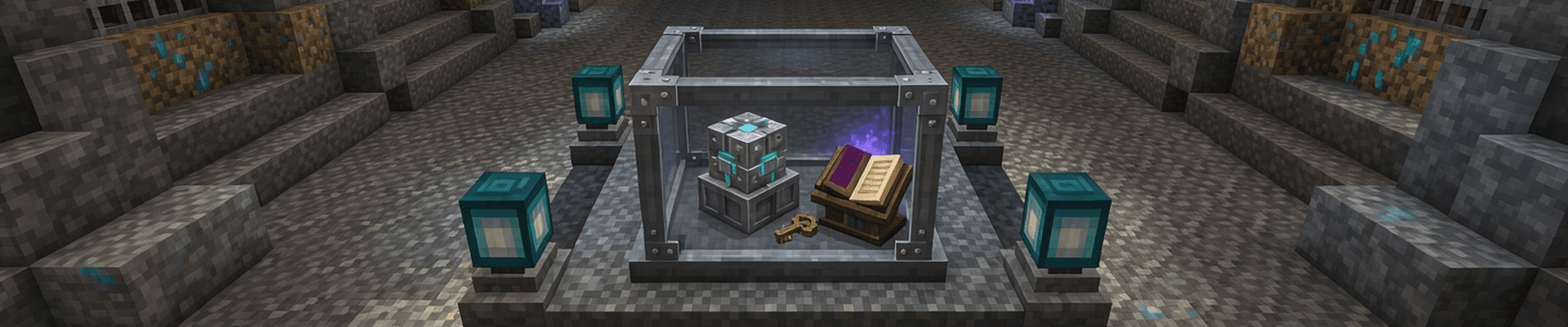

vault opener
a mod that opens a omnious vault when a specific item gets displayed inside the omnious vault, when the mod is activated through a keybind H it opens the...
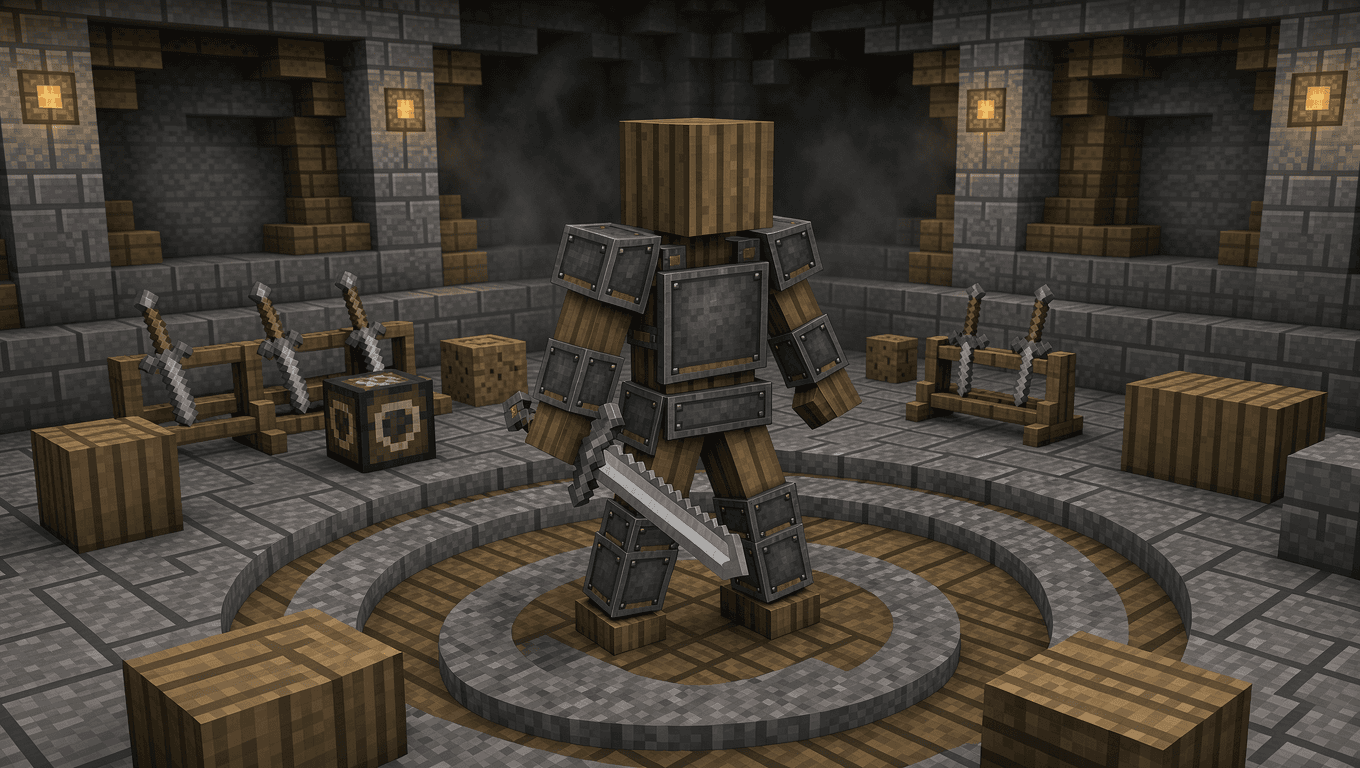

PVP Bot
PVP Bot is a Minecraft Fabric mod that gives players an armored opponent for melee practice at three difficulty levels.

Flashback inventory addon
Create a client-side Fabric Minecraft mod that makes the Flashback replay mod render and record all GUI elements when using Spectate → First-Person...