
Bulldoze
Bulldoze is a Fabric mod for Minecraft that adds an enchantment that breaks a 3 by 3 area with a suitable tool.
Downloads
7
Remixes
0
Price
Free
fabric · Both · 1.20.1 · mod
Bulldoze mod summary
- Adds the Bulldozer enchantment for digger tools. When a block is mined with a Bulldozer-enchanted tool, it clears a 3×3 area aligned to the face you hit. Tools take extra durability for the additional blocks; creative mode skips drops and durability loss.
- A Bulldozer enchanted book is available in the Tools creative tab for quick access; the enchantment can also be applied to compatible tools through normal enchanting.
- Blocks that are air, unbreakable, or unsuitable for the held tool are skipped to avoid accidental griefing. Facing is inferred from the hit face when possible, otherwise from your view direction.
Known notes:
- The extra blocks are broken server-side after the first block is mined, so fast repeated breaks could overlap if you move quickly between swings.
Server Validation
✅ Server validation passed - The mod was tested on a real Minecraft server and loaded successfully.
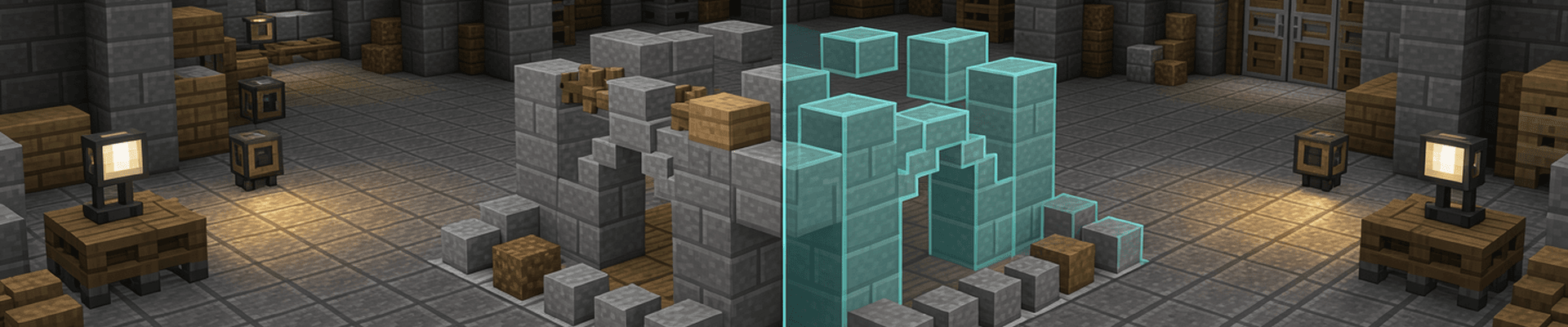

Effortless WorldBuilding Remix
make the supported environment to both server and client. add the option to see dimensions in numbers. for eg while placing a line of 5 blocks the review...
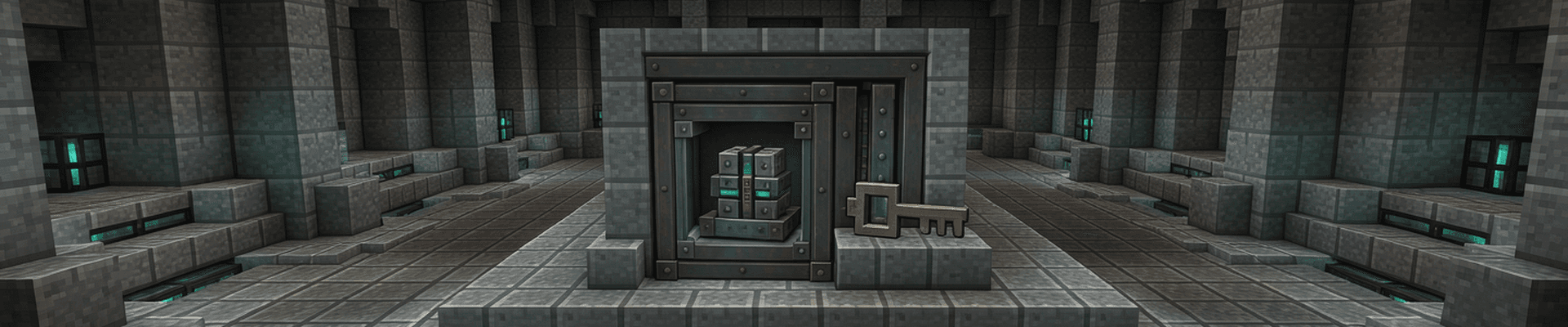

vault opener heavy core
a mod that opens a omnious vault when a specific item gets displayed inside the omnious vault, when the mod is activated through a keybind H it opens the...
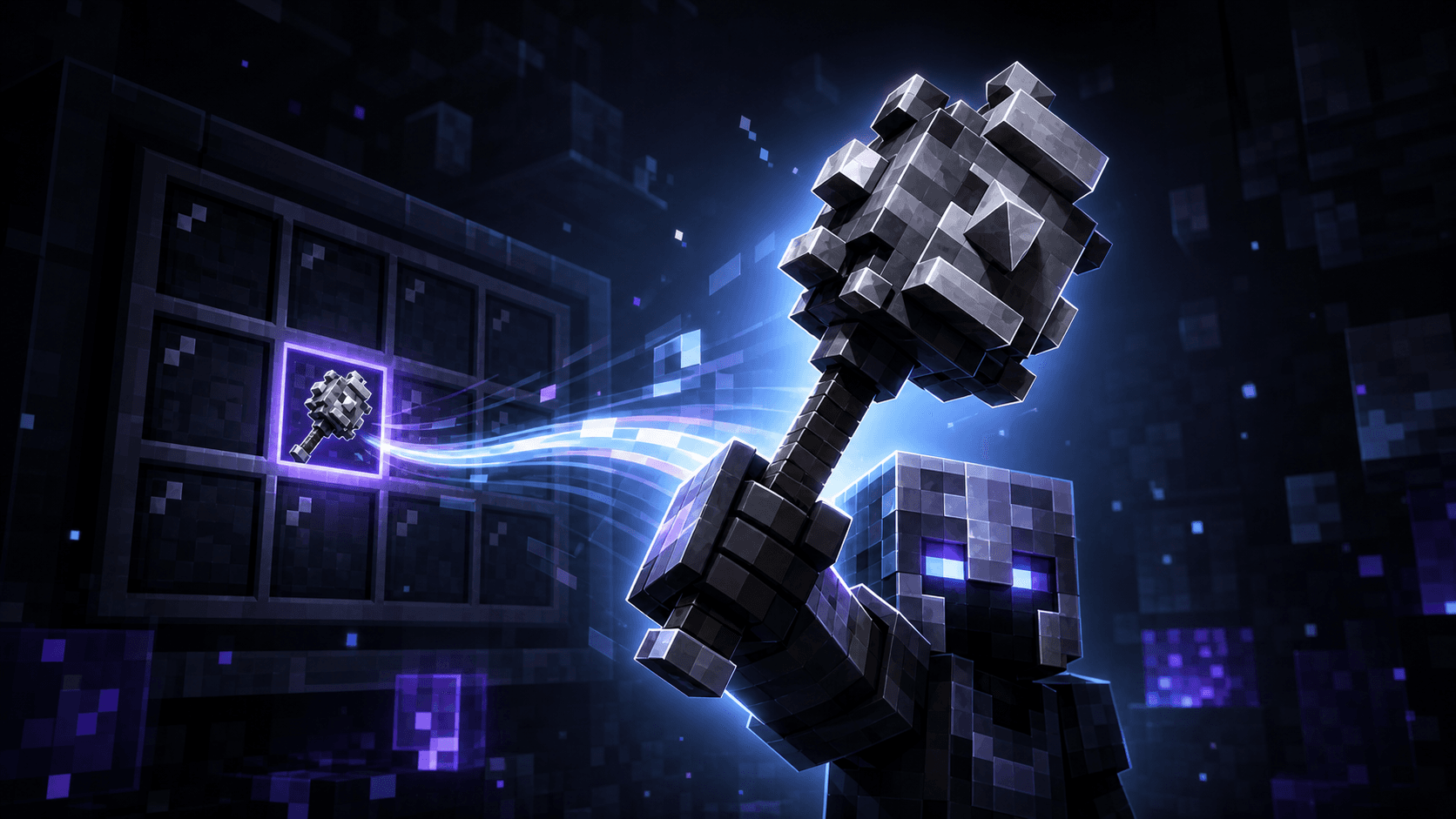

Auto Mace
by calm_vole#6043
Equip a mace from anywhere in your inventory with one key. Cycle between hotbar maces or safely pull a stored mace into reach.
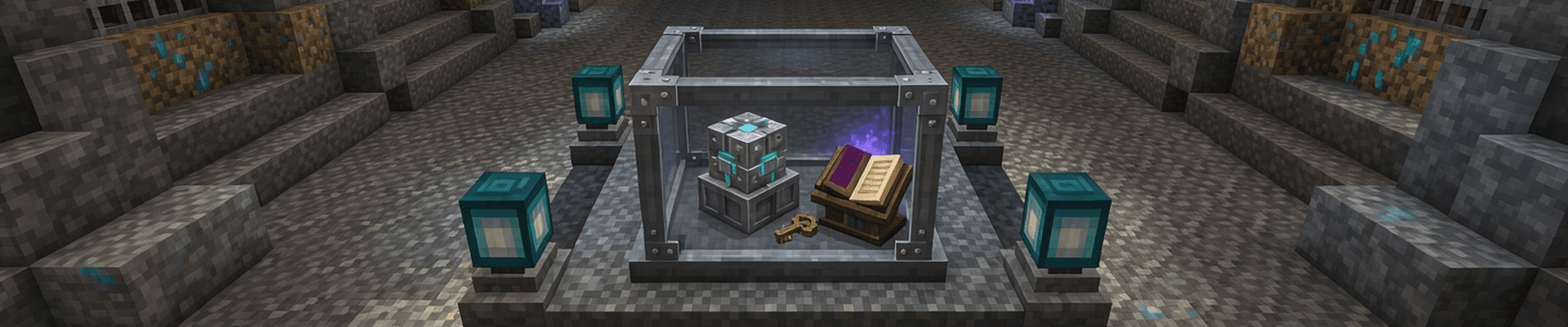

vault opener
a mod that opens a omnious vault when a specific item gets displayed inside the omnious vault, when the mod is activated through a keybind H it opens the...

PVP Bot
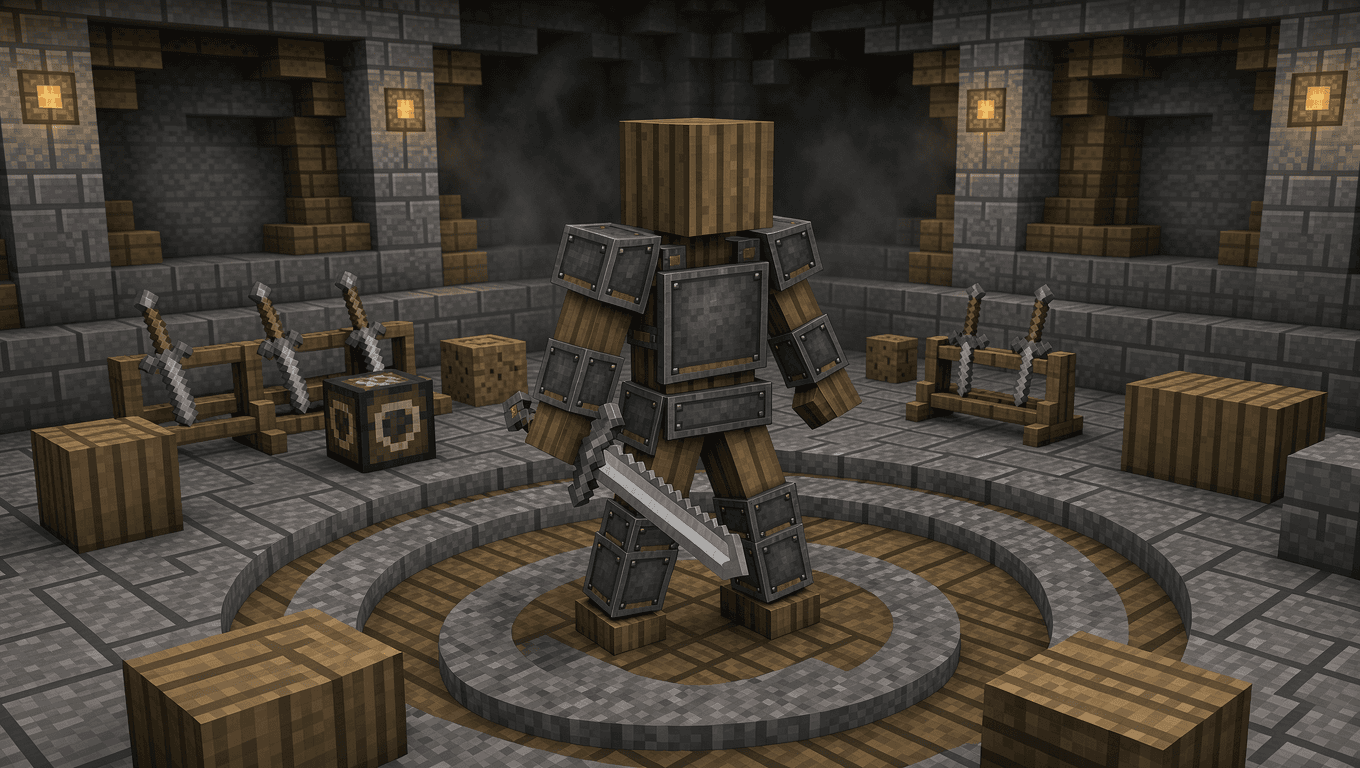
PVP Bot is a Minecraft Fabric mod that gives players an armored opponent for melee practice at three difficulty levels.

Flashback inventory addon
Create a client-side Fabric Minecraft mod that makes the Flashback replay mod render and record all GUI elements when using Spectate → First-Person...