
Vanta Black
🖤 vanta client — 1.21.1 (pvp / performance) ✦ overall vibe dark, matte ui (true black / charcoal) subtle purple / cyan accent glow (very low opacity) smooth...
Downloads
24
Remixes
0
Price
Free
fabric · Client · 1.21 · mod
Vanta Black client mod (1.21.1)
What was built
- Client-side Fabric mod focused on PvP and performance with a dark, matte UI and subtle purple/cyan glow accents.
- Draggable Vanta panel (Right Shift) with search, per-category module list, right-click settings, and quick profiles (Practice/Ranked/FPS).
- HUD suite: keystrokes + CPS, combo tracker, ping/TPS/sprint status, reach display, w-tap timing bar, armor/potion/coordinates overlays, custom crosshair, modern nametag list for nearby players.
- Combat feel: hit flash + selectable sounds, hurt-cam intensity slider, old-animations toggle, sprint reset helper.
- Performance toggles: FPS boost (safe option tweaks), dynamic render distance, entity distance scaling, particle limiter, simulation/chunk throttle, fast world loading ramp, periodic memory cleaner.
- QoL/visuals: borderless fullscreen helper, chat enhancer (timestamps/filter/name protect), auto-gg heuristic, screenshot manager (F9 saves to screenshots/vanta with HUD toast), smooth zoom (hold C), theme presets (Void/Obsidian/Eclipse) and optional smooth font flag in the UI.
How it works / usage
- Open the Vanta panel with
Right Shift; left-click modules to toggle, right-click or double-click to expand settings. Drag headers to reposition columns; click the theme label to cycle palettes. Profile chips apply curated module sets. - HUD elements render when their modules are enabled. Keystrokes show WASD/LMB/RMB states and CPS; the bar under the crosshair after a hit shows sprint reset timing; ping/TPS and reach appear near the crosshair/right edge.
- Performance modules adjust in-game options while enabled and restore on disable (render distance, simulation distance, clouds/particles/graphics, vsync, entity distance, view-distance ramp on world join, timed GC hints).
- Chat enhancer intercepts incoming chat for timestamps, filtering, and local name replacement; Auto GG listens for victory phrases and sends “gg” after a short delay. Screenshot manager saves a copy under
screenshots/vantaand displays a brief HUD note. - Zoom holds the saved FOV smoothly; releasing restores it. Borderless toggles fullscreen using the game window. Theme presets recolor all UI surfaces, glow, and text accents.
Notes and limitations
- Reach display is visual-only and uses conservative client-side values. Modern nametag view shows nearest players in a HUD list instead of replacing world nametags. Auto GG triggers on simple keyword checks and may not fit every server message format.
- Hit effects and sprint helper fire when you swing at an entity; they do not modify combat logic. Memory cleaner only hints GC and may have no visible effect depending on the JVM.
- Some vanilla options are temporarily changed by modules (FOV/graphics/view distance/simulation distance). Disabling a module restores the saved values, but changing those settings manually while toggled may alter what gets restored.
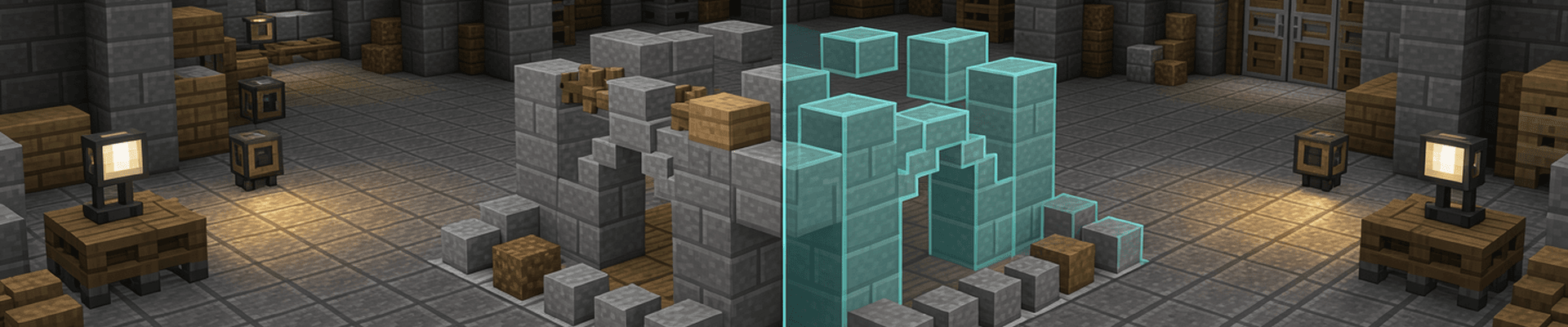

Effortless WorldBuilding Remix
make the supported environment to both server and client. add the option to see dimensions in numbers. for eg while placing a line of 5 blocks the review...
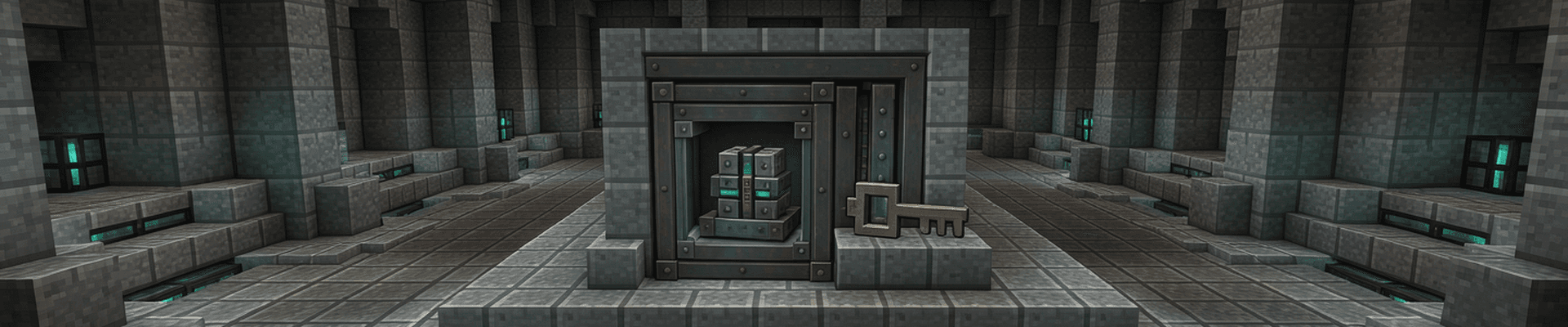

vault opener heavy core
a mod that opens a omnious vault when a specific item gets displayed inside the omnious vault, when the mod is activated through a keybind H it opens the...


Auto Mace
by calm_vole#6043
Equip a mace from anywhere in your inventory with one key. Cycle between hotbar maces or safely pull a stored mace into reach.
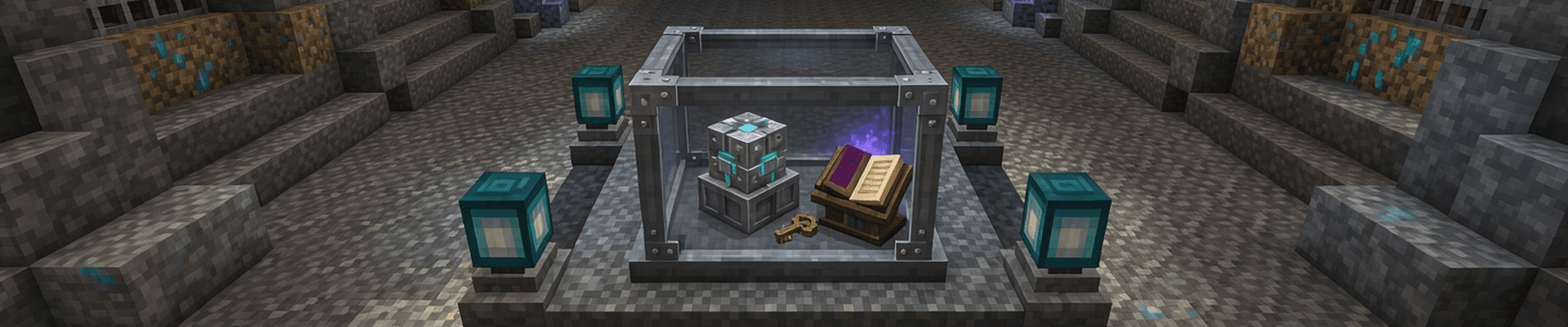

vault opener
a mod that opens a omnious vault when a specific item gets displayed inside the omnious vault, when the mod is activated through a keybind H it opens the...
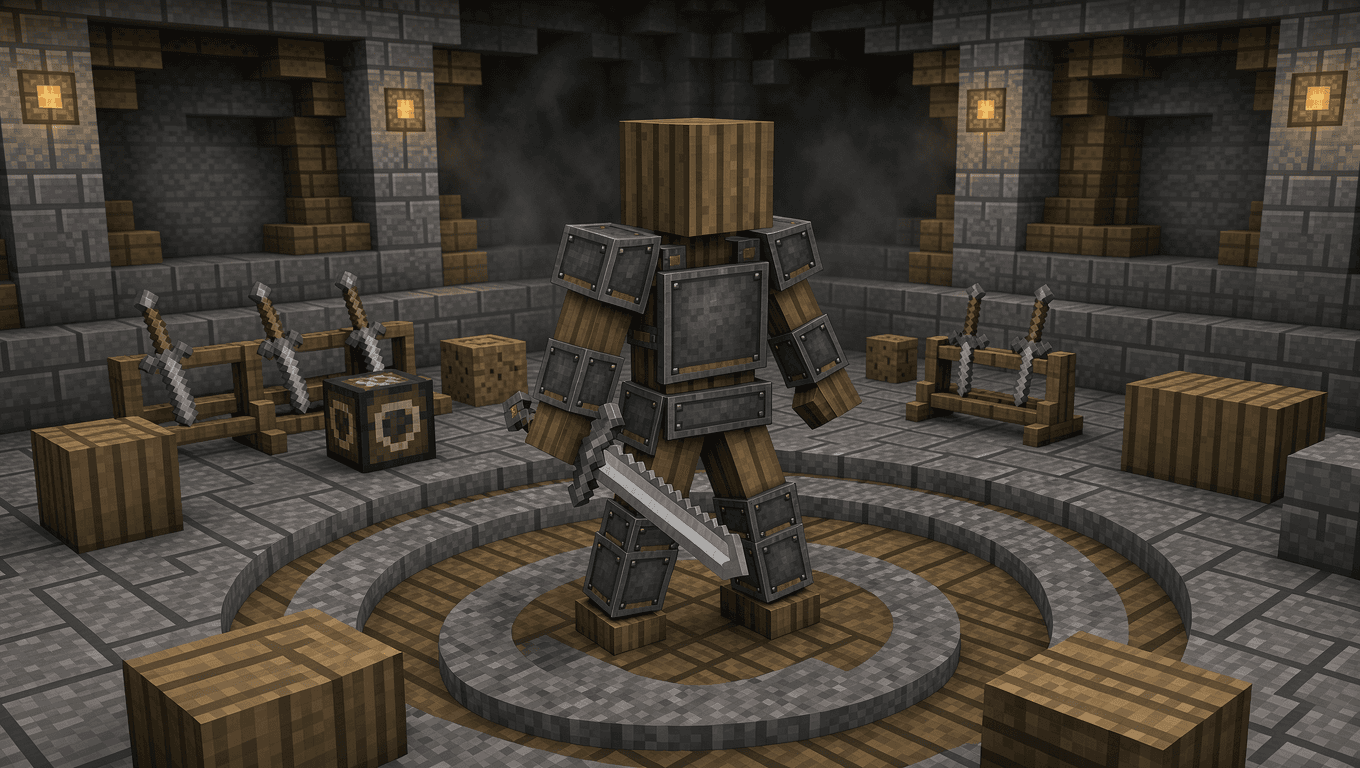

PVP Bot
PVP Bot is a Minecraft Fabric mod that gives players an armored opponent for melee practice at three difficulty levels.

Flashback inventory addon
Create a client-side Fabric Minecraft mod that makes the Flashback replay mod render and record all GUI elements when using Spectate → First-Person...