
Run something like this on your own server
This mod started as a single prompt. Generate your own version with different balance, mechanics, or rules, then put it in front of your players on a server you control.
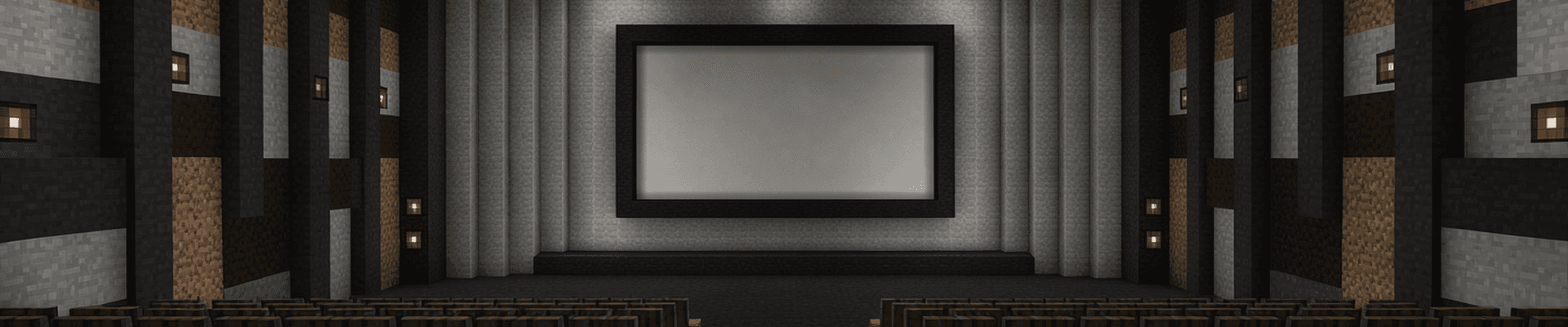

Waterframes for 1.21.11
Waterframes is a Minecraft mod that adds multimedia screens. Play videos, images, GIFs and streams on customizable displays and projectors. Ideal for...
Downloads
847
Remixes
0
Price
Free
fabric · Server · 1.21.1 · mod
Waterframes for 1.21.11
Overview
Waterframes lets you create multimedia screens in Minecraft that can play videos, images, GIFs, and live streams. Perfect for building cinemas, TVs, digital billboards, or interactive displays on your server!
Features
- Multiple Media Types - Play videos, images, GIFs, and even live streams
- Customizable Screens - Resize screens from 1x1 up to 16x16 blocks
- Volume Control - Adjust audio levels (0-100%) for each screen
- Easy Management - Simple commands to create, control, and manage screens
- Visibility Toggle - Show or hide screens instantly
How to Use
Basic Commands
All commands use /waterframes (requires permission level 2):
Create a screen:
/waterframes create <name> <x> <y> <z>
Example: /waterframes create myscreen 100 64 200
Set a media URL:
/waterframes seturl <name> <url>
Example: /waterframes seturl myscreen https://example.com/video.mp4
Control playback:
/waterframes play <name>   - Start playing
/waterframes pause <name>  - Pause playback
/waterframes stop <name>   - Stop playback
Adjust settings:
/waterframes volume <name> <0-100>      - Set volume
/waterframes resize <name> <w> <h>      - Change size (1-16)
/waterframes togglevisibility <name>    - Show/hide screen
Management:
/waterframes list          - See all screens
/waterframes info <name>   - View screen details
/waterframes delete <name> - Remove a screen
Tips & Tricks
- Screens work best in dark areas for better visibility
- Use projectors to display onto flat walls for cinema effects
- Name your screens clearly (e.g., "theater1", "lobby_tv", "spawn_billboard")
- Check
/waterframes infoto see what media type was detected
Known Limitations
- Client-side rendering requires compatible resource packs for full visual effects
- Some streaming platforms may have restrictions on direct video access
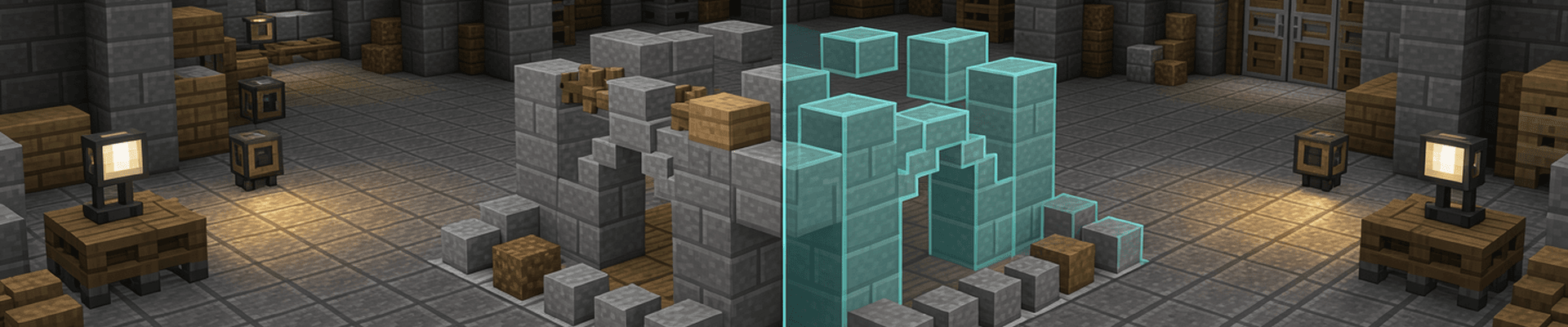

Effortless WorldBuilding Remix
make the supported environment to both server and client. add the option to see dimensions in numbers. for eg while placing a line of 5 blocks the review...
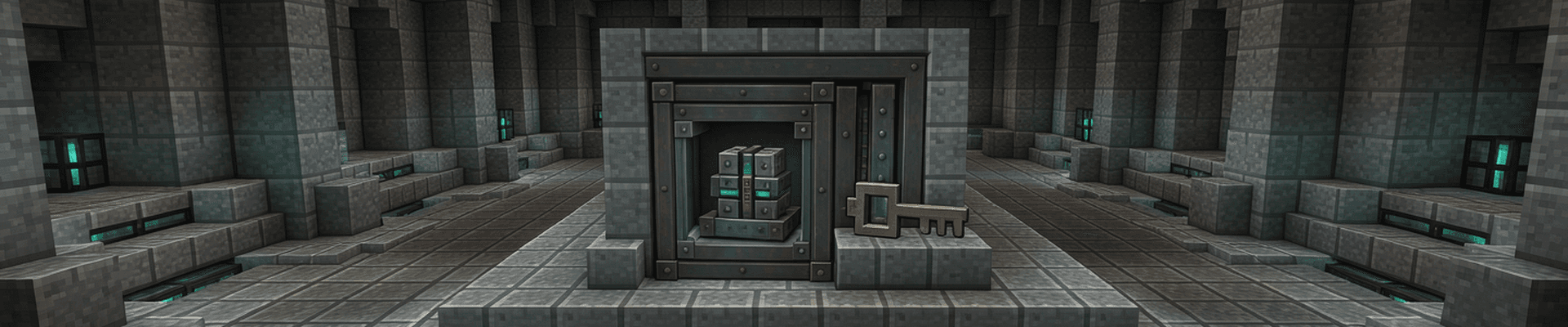

vault opener heavy core
a mod that opens a omnious vault when a specific item gets displayed inside the omnious vault, when the mod is activated through a keybind H it opens the...


Auto Mace
by calm_vole#6043
Equip a mace from anywhere in your inventory with one key. Cycle between hotbar maces or safely pull a stored mace into reach.
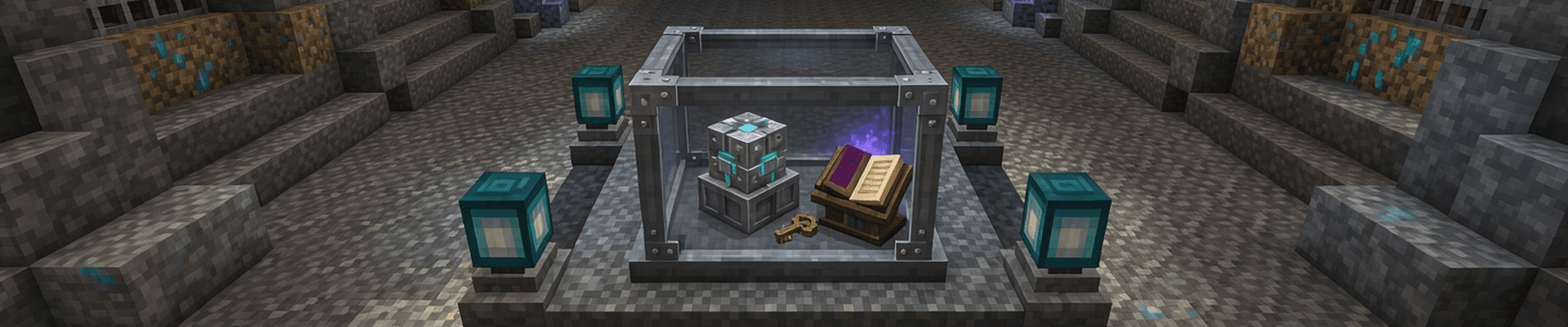

vault opener
a mod that opens a omnious vault when a specific item gets displayed inside the omnious vault, when the mod is activated through a keybind H it opens the...
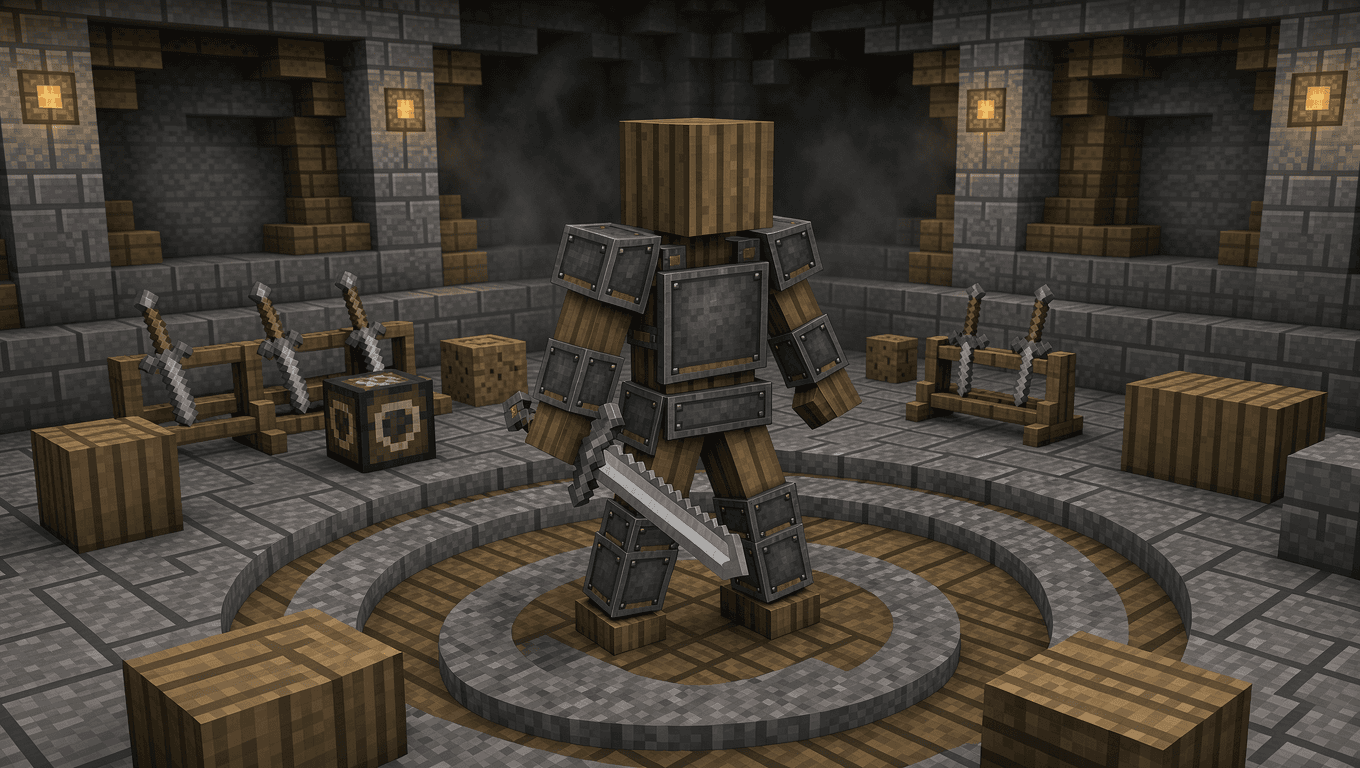

PVP Bot
PVP Bot is a Minecraft Fabric mod that gives players an armored opponent for melee practice at three difficulty levels.
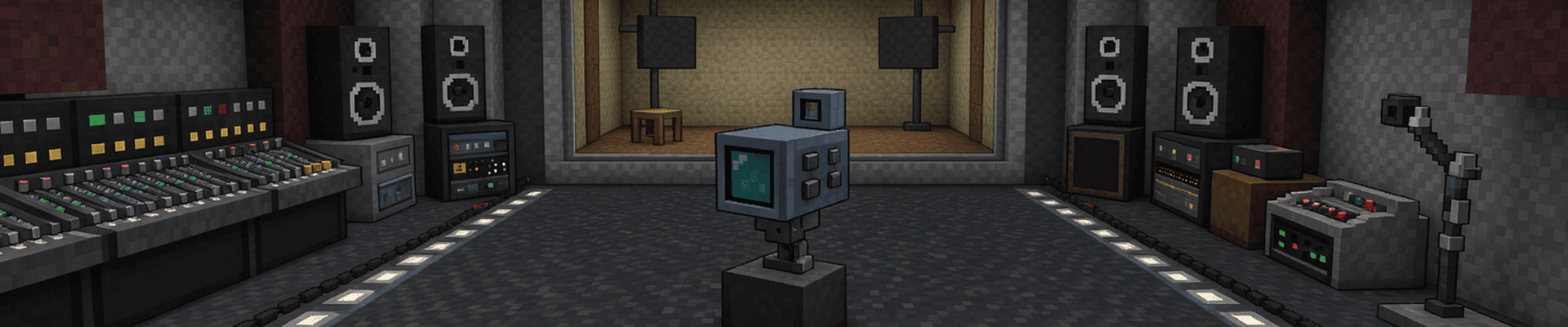

Flashback inventory addon
Create a client-side Fabric Minecraft mod that makes the Flashback replay mod render and record all GUI elements when using Spectate → First-Person...